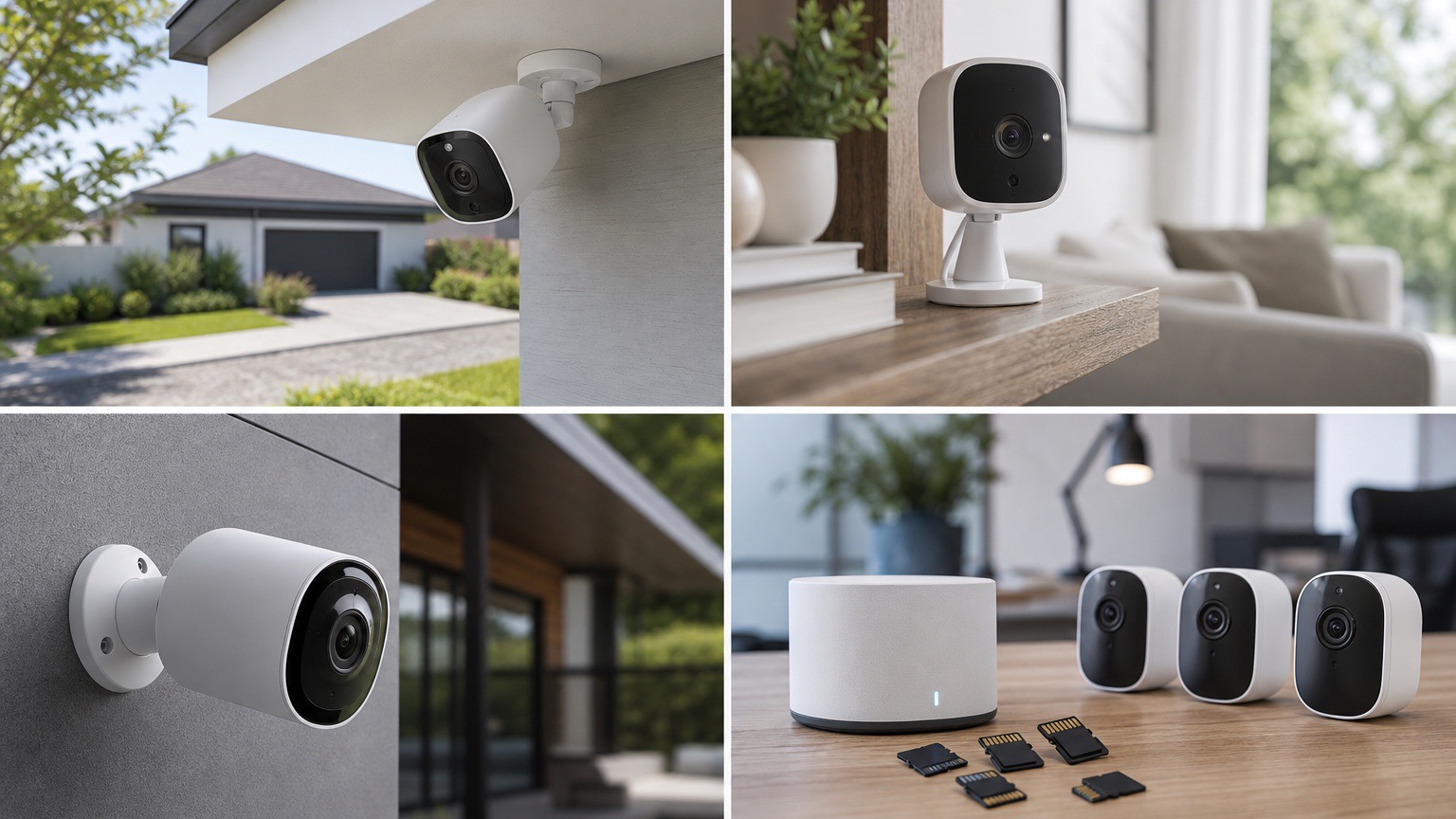
Indoor cameras are easy to overbuy. Most households do not need the sharpest spec sheet or the fanciest AI package. They need a camera that is simple to place, easy to mute when people are home, and clear enough to tell the difference between a pet on the couch and a person opening the nursery door.
If you want the short version, the Blink Mini 2K+ is the easiest recommendation for most people who want a small, plug-in indoor camera that works well in an Alexa-heavy home. The Wyze Cam Pan v3 is the better pick if you want pan-and-tilt coverage on a tighter budget, while the Ring Indoor Cam (2nd Gen) is still one of the best options for people who care as much about a physical privacy control as they do about app features.
The bigger buying decision is not just image quality. Indoor cameras live in bedrooms, playrooms, entryways, kitchens, and shared family spaces. That makes privacy controls, subscription friction, and app reliability matter just as much as resolution. If you are also comparing outside coverage, see our guides to the best outdoor security cameras, the best cameras with no subscription, and our updated ranking of the best Blink cameras.
The Short Version
- Best indoor camera for most homes: Blink Mini 2K+ is the safest all-around pick if you want simple setup, sharper video than the old Mini line, and easy Alexa integration.
- Best budget pan-and-tilt pick: Wyze Cam Pan v3 remains the value play for pet rooms, nurseries, and larger spaces where a fixed lens can miss too much.
- Best privacy-first choice: Ring Indoor Cam (2nd Gen) earns its spot because the built-in privacy cover is straightforward and easy for non-tech family members to trust.
- Best premium local-storage option: eufy Indoor Cam S350 makes the strongest case for buyers who want high resolution, pan-and-tilt coverage, and a lighter subscription dependency.
- Best Google Home fit: Nest Cam (battery) with the indoor stand is worth considering if you already live in Google Home and care more about ecosystem fit than indoor-only hardware design.
The Best Indoor Security Cameras Right Now
1. Blink Mini 2K+, Best Indoor Camera for Most Homes
Blink finally made its smallest plug-in camera more competitive. According to Blink's current Mini 2K+ support documentation, the camera supports up to 2K resolution, two-way talk with noise cancellation, a built-in siren, and color low-light capture when ambient light is available. It also does not require a Sync Module to work, which matters if you are trying to add one camera to an apartment, office, or kid room without turning the setup into a weekend project.
The tradeoff is that Blink still keeps some of its better smart-detection and cloud-storage features behind a subscription, and local storage is tied to a compatible Sync Module. But for shoppers who already use Alexa, Blink's indoor pitch is stronger now than it was a year ago. The Mini 2K+ is the indoor camera I would start with if you want the least fussy path to useful day-to-day coverage.
Buy it if: you want a compact plug-in indoor camera with easy Alexa integration and a straightforward app. Skip it if: you want pan-and-tilt coverage or you are explicitly trying to avoid any hub or subscription upsell path.
2. Wyze Cam Pan v3, Best Budget Pan-and-Tilt Pick
Wyze Cam Pan v3 is still the practical answer for people who need one indoor camera to cover an entire room. Wyze's support documentation says it offers 360-degree pan, 180-degree vertical range, motion tracking, color night vision, and a head-down privacy mode that points the lens away and turns the camera off. That combination still makes it one of the easiest ways to watch a living room, playroom, or pet area without buying two separate cameras.
The reason it stays high on this list is coverage per dollar, not polish. Wyze's app and subscription story can still feel a little messier than Ring or Google Home, and a fixed camera will often feel simpler if you only need to watch one doorway or crib. But if your problem is, "I need to see more of the room without spending much," Pan v3 keeps answering that question well.
Buy it if: you want flexible room coverage and motion tracking on a tighter budget. Skip it if: you want a more premium app experience or you strongly prefer a fixed-lens camera with fewer moving parts.
3. Ring Indoor Cam (2nd Gen), Best Privacy-First Pick for Ring Homes
Ring's second-generation Indoor Cam is not the sharpest indoor camera on paper, but it gets one important thing right: privacy controls are obvious. Ring's current product and support pages highlight the built-in privacy cover, 1080p HD video with color night vision, a remote-activated siren, and Alexa integration. For an indoor camera, that manual privacy cover matters more than it might sound in a spec table. People actually use a physical cover when they are home, hosting guests, or putting kids to bed.
This is the indoor camera I would recommend to a Ring household that wants one camera inside the house without adding a weird trust problem. The downside is that you are still buying into Ring's broader subscription and ecosystem logic, and buyers chasing crisp 2K indoor footage can do better elsewhere.
Buy it if: you already use Ring or want a simple indoor camera with a physical privacy control. Skip it if: you want sharper 2K footage or broader cross-platform smart-home flexibility.
4. eufy Indoor Cam S350, Best Premium Pick Without a Cloud-First Feel
For buyers who want a stronger premium story indoors, eufy's Indoor Cam S350 is still one of the more compelling options. eufy says it combines a 4K wide-angle camera with a 2K telephoto lens, 360-degree pan-and-tilt coverage, privacy mode, dual-band Wi-Fi 6, AI tracking, and local storage support without requiring a monthly fee just to record events. That is a much more ambitious indoor-camera feature stack than what Blink or Ring offers at the entry level.
The catch is that this is overkill for plenty of households. If you only need a camera for a hallway, front-room window, or dog crate, the S350 can feel like paying premium money for flexibility you will never use. But for large rooms, pet monitoring, or buyers trying to avoid a cloud-first setup, it earns its place.
Buy it if: local storage, pan-and-tilt coverage, and higher-end detail matter more than buying the cheapest indoor cam. Skip it if: you want the simplest app and the lowest upfront cost.
5. Arlo Essential Indoor (2nd Gen), Best If You Want an Automatic Privacy Shield
Arlo's current Essential Indoor (2nd Gen) remains worth pricing because it splits the difference between entry-level indoor cameras and more premium security gear. Arlo's product page says the 2nd-gen model is available in 2K or HD, connects directly to Wi-Fi, includes two-way audio and a siren, and uses an automated privacy shield that you can close from the app. If you like the idea of a privacy control but want something more automated than Ring's manual cover, Arlo has a real angle here.
Where Arlo still asks more from the buyer is long-term cost. The hardware story is solid, but premium features are attached to the Arlo Secure plan after the included trial. That does not kill the recommendation, but it does make Arlo easier to justify for shoppers who already know they want that subscription-style experience.
Buy it if: you want 2K indoor video and an automated privacy shield. Skip it if: you are trying to keep both upfront and recurring costs down.
What Actually Matters Before You Buy
Privacy controls matter more indoors than raw resolution
For indoor placement, I would prioritize a physical or highly visible privacy control before chasing the biggest megapixel number. Ring's manual cover, Wyze's head-down privacy mode, Arlo's automated shield, and Google Home's Home & Away routines all solve the same household trust problem in different ways.
Subscription friction changes the real value
Many indoor cameras look inexpensive until you price the storage and detection features you actually want. Blink keeps person and vehicle detection behind its subscription plans, Arlo includes a plan trial before paid features continue, and Google now ties more advanced Nest security features to Google Home and its newer security workflow. If your goal is to reduce monthly cost, start with our guide to the best no-monthly-fee security options.
Google households should think ecosystem first
The current Nest Cam (battery) is still the right indoor-adjacent answer for some buyers, even though it is not a purpose-built indoor-only camera. Google's current store pages position it as an indoor-or-outdoor camera with person, animal, and vehicle alerts, optional indoor stand support, and local event memory during certain outages. If you already use Google Home displays, speakers, or Home Premium features, that ecosystem fit can matter more than getting a tidier indoor-only design.
One camera is often not enough for open layouts
Large living rooms, combined kitchen-family spaces, and homes with long hallways are exactly where fixed indoor cams disappoint buyers. If you are trying to watch more than one zone from a single plug-in camera, pan-and-tilt models like Wyze Cam Pan v3 or eufy Indoor Cam S350 usually make more sense than buying a cheaper fixed cam and hoping the angle works out.
FAQ
What is the best indoor security camera for most people in 2026?
For most households, Blink Mini 2K+ is the safest starting point because it balances small size, simple setup, sharper-than-old-Blink video, and broad Alexa compatibility without requiring a complicated install.
Do indoor security cameras need a monthly subscription?
No, but many of the better alerting and cloud-history features do. Blink, Arlo, and Google each reserve some premium features for paid plans, while eufy makes a stronger local-storage pitch for buyers trying to keep monthly costs down.
Which indoor camera is best if privacy is the top concern?
Ring Indoor Cam (2nd Gen) is the clearest privacy-first pick because the manual privacy cover is obvious and easy for everyone in the house to understand. Arlo's automated privacy shield is also strong if you prefer an app-controlled approach.
Are indoor cameras good for pets and nurseries?
Yes, as long as you match the camera style to the room. Pan-and-tilt cameras are usually better for pets and larger spaces, while smaller fixed cameras like Blink Mini 2K+ are often enough for a nursery, office, or single doorway view.