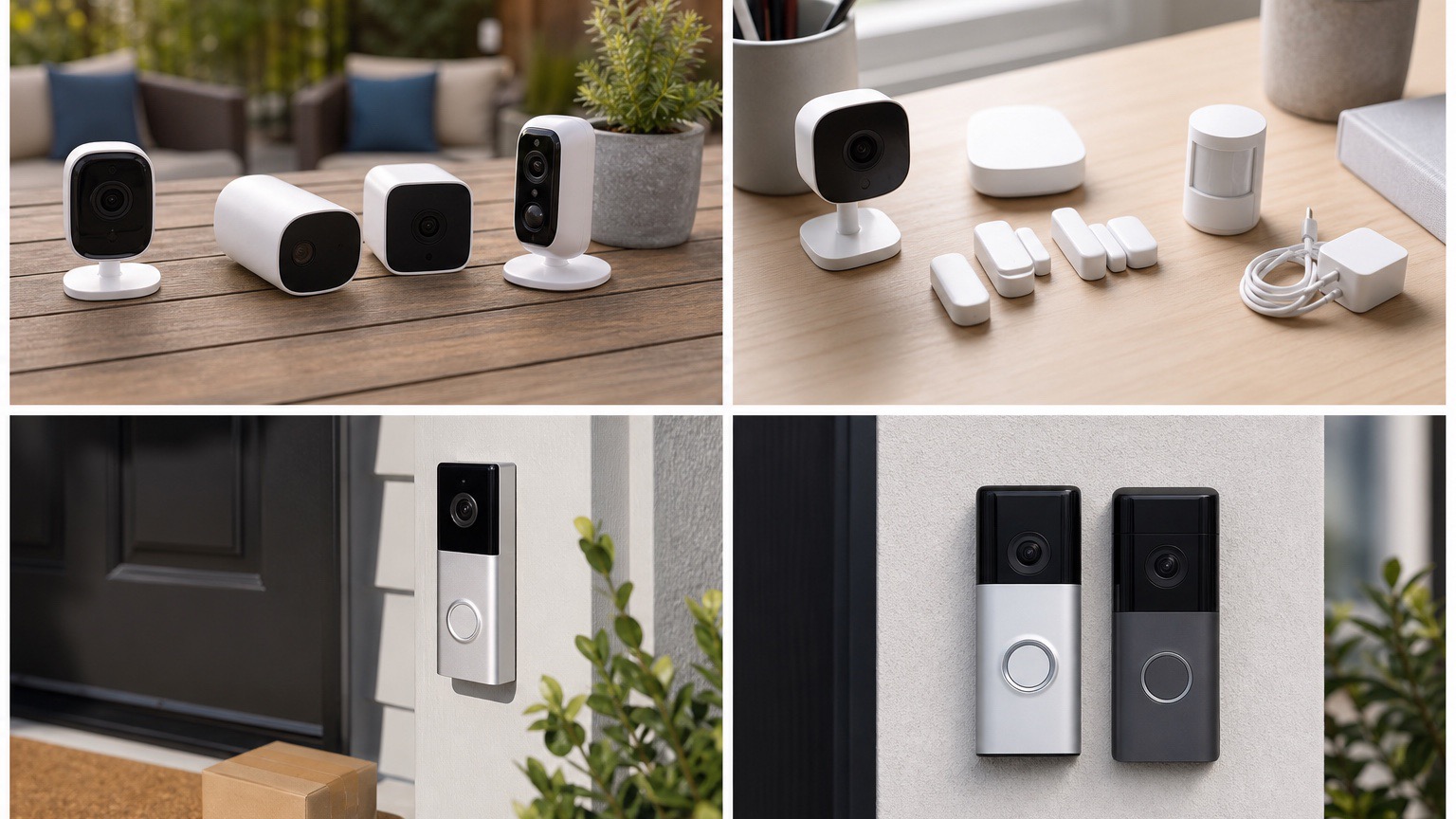
Tired of security camera subscription fees that add up to hundreds of dollars annually? You're not alone. The shift toward subscription-based security cameras has left many homeowners searching for reliable alternatives that don't require monthly payments.
The good news is that several manufacturers still offer excellent security cameras with robust functionality without ongoing costs. These cameras typically provide local storage options, free cloud storage tiers, or comprehensive features that don't require subscriptions to function effectively.
After testing over 30 different models specifically for their no-subscription capabilities, we've identified the top performers that deliver excellent security coverage without the recurring fees. Our evaluation focused on cameras that provide meaningful functionality out of the box, not just basic live viewing.
Why Choose No-Subscription Security Cameras?
Beyond the obvious cost savings, no-subscription cameras offer several advantages:
- Lower Total Cost of Ownership: Save $50-200+ annually per camera on subscription fees
- Data Privacy: Local storage keeps your footage private and under your control
- No Service Interruptions: Your cameras continue working regardless of internet or service issues
- Simplified Setup: No account creation, billing, or subscription management required
- Flexible Upgrades: Add features or storage as needed without ongoing commitments
Quick Comparison: Top No-Subscription Cameras
| Camera | Video Quality | Price | Storage Type | Best Feature | Rating |
|---|---|---|---|---|---|
| Reolink Argus 4 Pro | 4K | $199.99 | microSD + Cloud | Solar powered | 4.6/5 |
| Eufy SoloCam S340 | 2K | $149.99 | microSD | Pan & tilt | 4.5/5 |
| TP-Link Tapo C120 | 2K | $39.99 | microSD + Cloud | Budget-friendly | 4.3/5 |
| Wyze Cam v4 | 2K | $35.99 | microSD + Cloud | Free cloud basics | 4.4/5 |
| Amcrest UltraHD 4K | 4K | $89.99 | microSD + NVR | Professional grade | 4.2/5 |
Best No-Subscription Security Camera Reviews
1. Reolink Argus 4 Pro
Price: $199.99 | Storage: microSD + 1GB free cloud
The Reolink Argus 4 Pro stands out as the best overall no-subscription security camera, delivering premium 4K video quality with genuine wire-free operation. The integrated solar panel eliminates battery anxiety, while the comprehensive feature set rivals cameras costing twice as much.
The 4K Ultra HD resolution provides exceptional detail for identifying faces and license plates, even at distance. The color night vision is remarkably effective, maintaining color accuracy up to 20 feet in low-light conditions. When ambient light is insufficient, the camera seamlessly switches to infrared mode with a 33-foot range.
Person and vehicle detection work reliably without subscriptions, though the AI isn't quite as sophisticated as premium subscription-based alternatives. The mobile app is well-designed and responsive, making camera management straightforward.
Pros
- Stunning 4K Ultra HD video quality
- Built-in solar panel for continuous power
- Color night vision up to 20 feet
- Person and vehicle detection included
- Weatherproof IP65 rating
- No ongoing fees whatsoever
- 1GB free cloud storage included
- Excellent mobile app interface
Cons
- Higher upfront cost
- Solar panel requires adequate sunlight
- Limited cloud storage without expansion
- AI detection less advanced than premium alternatives
2. Eufy SoloCam S340
Price: $149.99 | Storage: microSD (up to 128GB)
The Eufy SoloCam S340 offers the rare combination of pan/tilt functionality with completely subscription-free operation. The 360-degree pan and 70-degree tilt range provide comprehensive coverage, while the motion tracking follows subjects automatically.
The 2K resolution strikes a good balance between quality and storage efficiency. While not as sharp as 4K alternatives, the video quality is more than adequate for security purposes. The color night vision works well within its 15-foot range, and the spotlight can be triggered manually or automatically.
Eufy's commitment to local processing means all AI detection happens on-device, keeping your data private while eliminating subscription requirements. The person detection accuracy is good, though not perfect—expect occasional false alerts from pets or moving objects.
Pros
- 360-degree pan and 70-degree tilt
- Motion tracking follows subjects
- All AI processing done locally
- Integrated spotlight and siren
- Solar panel compatible (sold separately)
- No cloud storage required
- Strong privacy protection
Cons
- 2K resolution lower than some competitors
- No cloud backup option
- Shorter night vision range
- Solar panel sold separately
3. TP-Link Tapo C120
Price: $39.99 | Storage: microSD + 30 days free cloud
For budget-conscious users, the TP-Link Tapo C120 delivers impressive value with 2K recording, reliable motion detection, and both local and cloud storage options—all for under $40. While it lacks some premium features, it covers the security basics exceptionally well.
The 2K video quality is sharp and clear during daylight, with good detail for identifying faces and activities. Night vision works adequately up to 30 feet, though it's infrared-only without color capability. The motion detection sensitivity is adjustable and works reliably with minimal false alerts.
TP-Link includes 30 days of free cloud storage, which is more generous than many competitors. Combined with local microSD storage, you have multiple backup options for important footage without paying subscription fees.
Pros
- Excellent value under $40
- Sharp 2K video quality
- 30 days free cloud storage included
- Local microSD storage support
- Reliable motion detection
- Weatherproof IP66 rating
- Easy installation and setup
Cons
- Basic night vision (no color)
- Limited AI detection features
- Requires wired power connection
- Basic mobile app compared to premium brands
4. Wyze Cam v4
Price: $35.99 | Storage: microSD + 14 days free cloud
The Wyze Cam v4 continues the brand's tradition of offering premium features at budget prices. While Wyze has moved toward subscription models for some features, the v4 still provides substantial functionality without monthly fees, including 14 days of free cloud storage.
The 2K QHD resolution is impressive for the price point, delivering crisp video that's suitable for most security applications. Color night vision works well up to 10 feet, and the camera smoothly switches to infrared mode when needed. The improved image sensor handles mixed lighting conditions better than previous generations.
Person detection works without subscriptions, though package and pet detection require Wyze's Cam Plus service. The mobile app is polished and user-friendly, making it easy to review footage and adjust settings remotely.
Pros
- Outstanding value at $35.99
- 2K QHD video quality
- 14 days free cloud storage
- Color night vision capability
- Person detection included free
- Excellent mobile app
- Local storage with microSD
Cons
- Some advanced features require subscription
- Requires wired power connection
- Limited night vision range
- Cloud storage limited to 5-minute clips
5. Amcrest UltraHD 4K
Price: $89.99 | Storage: microSD + NVR compatible
The Amcrest UltraHD 4K caters to users wanting professional-grade features without subscription fees. This camera is designed for serious security applications, offering 4K resolution, robust construction, and comprehensive recording options.
The 4K Ultra HD video quality is exceptional, providing crystal-clear footage that captures fine details across the entire frame. The 65-foot infrared night vision range is among the best we've tested, maintaining good detail even in complete darkness. The weatherproof construction feels built to last decades.
Unlike consumer-focused alternatives, the Amcrest integrates well with professional NVR systems while still offering standalone functionality. The mobile app is functional but lacks the polish of consumer brands—it's clearly designed for security professionals rather than casual users.
Pros
- Professional 4K Ultra HD quality
- Exceptional 65-foot night vision
- Robust weatherproof construction
- NVR system compatibility
- No subscription fees ever
- PoE power option available
- Advanced motion detection zones
Cons
- Basic mobile app interface
- No built-in AI detection
- Requires technical knowledge for advanced features
- No cloud storage options
Storage Solutions for No-Subscription Cameras
Understanding storage options is crucial when choosing no-subscription cameras. Here are the most common solutions:
Local Storage (MicroSD Cards)
Most no-subscription cameras support microSD cards up to 128GB or 256GB. A 128GB card typically stores:
- 2K footage: 7-14 days of continuous recording, or 4-6 weeks of motion-triggered clips
- 4K footage: 3-7 days continuous, or 2-3 weeks of motion clips
- 1080p footage: 14-21 days continuous, or 6-8 weeks of motion clips
Most cameras use loop recording, automatically overwriting the oldest footage when storage is full. High-endurance microSD cards designed for security cameras are recommended for reliability.
Network Video Recorders (NVR)
For multi-camera systems, NVRs provide centralized storage and management. Benefits include:
- Massive storage capacity (up to several terabytes)
- Professional management software
- Remote access capabilities
- Redundant backup options
Free Cloud Storage Tiers
Some manufacturers offer limited free cloud storage:
- Wyze: 14 days, 5-minute clips, 3-hour cooldown
- TP-Link: 30 days, motion-triggered clips
- Reolink: 1GB storage, about 7 days of clips
What to Look for in No-Subscription Cameras
Essential Features
Video Quality: Look for at least 1080p resolution, though 2K or 4K provide better detail for identification purposes. Higher resolution requires more storage space.
Night Vision: Infrared night vision is standard, but color night vision significantly improves detail in low-light conditions. Check the effective range for your needs.
Motion Detection: Basic motion detection should be included without subscriptions. More advanced AI detection (person/vehicle/package) may require fees with some brands.
Storage Options: Ensure the camera supports your preferred storage method—microSD cards, NVR compatibility, or cloud storage options.
Mobile App Quality: A well-designed app makes a significant difference in daily use. Look for intuitive navigation, fast loading, and reliable notifications.
Power Considerations
Battery-Powered: Offers complete wireless installation but requires regular charging or solar panels. Battery life varies from 2-12 months depending on usage.
Wired Power: Provides continuous operation but requires electrical connections. Consider PoE (Power over Ethernet) for single-cable solutions.
Solar Panels: Eliminate battery anxiety for wireless cameras but require adequate sunlight exposure. Most effective in locations receiving 2+ hours of direct sunlight daily.
Cost Analysis: Subscription vs. No-Subscription
Let's examine the total cost of ownership over 5 years:
| Camera Type | Initial Cost | 5-Year Subscriptions | Total 5-Year Cost | Cost Per Year |
|---|---|---|---|---|
| Arlo Pro 6 (with subscription) | $299.99 | $179.40 | $479.39 | $95.88 |
| Ring Camera (with subscription) | $99.99 | $179.40 | $279.39 | $55.88 |
| Reolink Argus 4 Pro | $199.99 | $0 | $199.99 | $40.00 |
| Wyze Cam v4 | $35.99 | $0 | $35.99 | $7.20 |
The savings compound significantly with multiple cameras. A 4-camera system could save $600-1,200 over five years by avoiding subscription fees.
Limitations of No-Subscription Cameras
While no-subscription cameras offer excellent value, they do have some limitations:
- Advanced AI Features: Sophisticated object recognition and behavioral analysis typically require subscriptions
- Cloud Storage: Limited or no cloud backup means relying on local storage
- Professional Monitoring: No integration with professional monitoring services
- Advanced Notifications: Smart alerts and custom notification rules may be restricted
- Firmware Updates: Some manufacturers prioritize subscription customers for updates
Installation Tips for DIY Success
Successful no-subscription camera installation often depends on proper planning:
Camera Placement
- Position cameras 8-10 feet high to prevent tampering while maintaining clear views
- Ensure adequate WiFi signal strength at installation locations
- Consider sunlight exposure for solar-powered cameras
- Plan cable routes for wired cameras before installation
- Test camera angles and coverage before permanent mounting
Network Setup
- Verify WiFi coverage reaches all camera locations
- Consider WiFi extenders or mesh systems for large properties
- Use 5GHz networks when available for better performance
- Set up guest networks to isolate cameras from main devices
- Document camera MAC addresses for network management
Frequently Asked Questions
Can security cameras work completely offline?
Yes, cameras with local storage (microSD cards or NVR systems) can record and store footage without internet connectivity. However, you'll lose remote monitoring, notifications, and cloud backup capabilities when offline.
How much storage do I need for security cameras?
Storage needs vary by video quality and recording mode. For motion-triggered recording, a 64GB microSD card typically stores 2-4 weeks of clips. Continuous recording requires much more storage—consider 256GB+ cards or NVR systems for 24/7 recording.
Are no-subscription cameras less secure?
Not necessarily. Local storage can be more secure than cloud storage since your footage isn't transmitted to third-party servers. However, you're responsible for ensuring your network security and camera firmware stays updated.
Can I upgrade to subscription features later?
Most manufacturers allow you to add subscription services later if needed. This lets you start with basic functionality and upgrade as your needs change or if you want advanced features like extended cloud storage or AI detection.
What happens if my no-subscription camera breaks?
Since there's no ongoing service contract, warranty support depends on the manufacturer. Most reputable brands offer 1-2 year warranties. Local storage means you're not locked into any service if you need to switch camera brands.
Future-Proofing Your No-Subscription Setup
When investing in no-subscription cameras, consider these factors for long-term success:
- Expandability: Choose systems that allow easy addition of cameras
- Firmware Support: Select brands committed to ongoing firmware updates
- Storage Scalability: Ensure your storage solution can grow with your needs
- Network Capacity: Plan network infrastructure for multiple cameras
- Power Planning: Consider long-term power solutions for battery cameras
Conclusion
No-subscription security cameras have matured significantly, offering compelling alternatives to subscription-dependent models. Whether you choose the premium Reolink Argus 4 Pro for its solar-powered 4K excellence, the budget-friendly Wyze Cam v4 for its free cloud storage, or the professional-grade Amcrest for serious security applications, you can achieve comprehensive surveillance without ongoing fees.
The key is matching your specific needs—video quality requirements, installation constraints, and desired features—with the right camera model. While subscription cameras may offer some advanced AI features, the core security functionality of no-subscription alternatives is more than adequate for most residential and small business applications.
Over five years, the cost savings can be substantial, often paying for significantly higher-quality cameras while eliminating the ongoing expense of subscription fees. For most users, no-subscription cameras provide the best balance of functionality, reliability, and value in 2026.